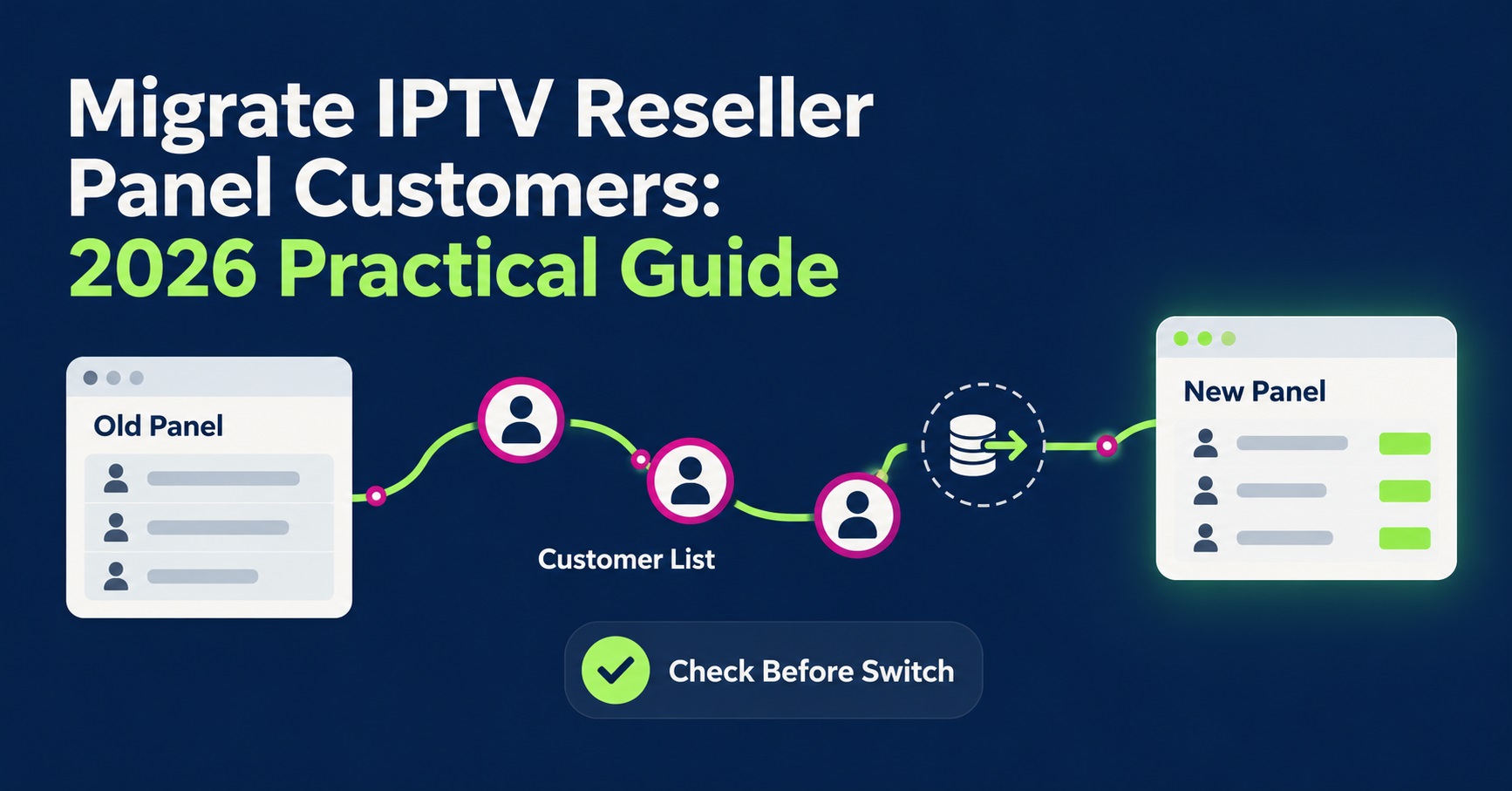

Resellers migrate IPTV reseller panel customers by exporting an accurate customer list, testing the new panel with a small batch first, then moving the rest in stages against a fixed cutover date. Rushing the whole customer base across in one attempt is the single biggest cause of lost renewals, duplicate charges and confused support tickets during a switch.
A panel migration is really two separate jobs happening at once: a technical transfer of accounts and credentials, and a customer-facing change that has to be managed carefully so people don’t assume the service has stopped working. Get the sequencing wrong and you end up fielding complaints instead of running a business.
Migrate IPTV Reseller Panel Customers
Migrating customers means recreating each active subscription on a new panel, matching credentials, categories and expiry dates as closely as the old service, then redirecting customers to the new connection details without an unnecessary gap in access. It is not a single export-and-import action. Most panels don’t talk to each other, so there’s rarely a clean data transfer available; you’re usually rebuilding lines manually or through a bulk-creation tool on the new dashboard.
The work is heaviest in the first few days and lightest once the bulk of customers are confirmed working. Sub-resellers with their own customer books add another layer, since their accounts and permissions need recreating too, not just the end customers underneath them.
Why Resellers Switch Panels
The reasons vary, and they change what “successful migration” looks like:
A panel that keeps going down during peak hours pushes resellers to move quickly, sometimes before they’ve properly tested the replacement. A pricing change on credits, or the withdrawal of sub-reseller tools, tends to allow more planning time. Occasionally a supplier simply stops responding to support requests, which forces an unplanned move with far less preparation than anyone would choose.
Knowing which of these applies to your situation matters, because an emergency migration and a planned one need different levels of customer communication and different tolerances for risk.
Before You Move Anyone: What to Secure First
Before touching a single customer account, get these confirmed in writing from both the old and new provider:
- The exact expiry date on every active customer line, not an estimate
- Whether unused credits on the old panel are refundable, transferable or simply lost
- Current sub-reseller permissions and credit balances, if you run any
- The categories and content groupings the new panel actually offers, matched against what customers currently receive
- A written quotation from the new provider covering credit ratio, activation time and refund terms
Credits very rarely move between suppliers. Treat any remaining balance on the old panel as something to use up or write off, not something to plan around. The pricing and credit calculation guide is worth reviewing again at this point, since your new supplier may use a different credit-to-month ratio than you’re used to.
| Migration stage | What to check | Risk if skipped |
|---|---|---|
| Before export | Exact expiry dates and credit balances | Customers double-billed or cut off early |
| Test batch | New panel stability under real load | Whole base moved onto a faulty service |
| Staged rollout | Support response time on the new panel | Complaints pile up faster than they’re handled |
| Cutover | Old panel access fully closed | Customers confused by two active logins |
Pro tip: Ask the new supplier for their own migration or bulk-import process before you start manually recreating lines one at a time. Some panels support CSV-based account creation, which saves considerable time on larger customer books.
Run a Test Batch First
Pick ten to twenty customers, ideally a mix of long-standing and recent sign-ups, and move only them in the first wave. Give this group a few days on the new panel before deciding anything about the rest of your customer base.
Watch for stream stability at your customers’ typical viewing times, not just during a quiet afternoon test. Check whether the categories customers actually use are present and correctly labelled. Confirm that the connection format is compatible with the apps your customers already have installed, since asking everyone to reinstall a player at the same time as changing servers doubles the support load. The reseller apps comparison is a useful reference if the new panel requires a different connection format than your customers are used to.
Only once this small group has gone a full billing cycle without serious issues should the wider rollout begin.

Moving the Rest of the Customer Base
Split the remaining customers into groups, roughly by renewal date rather than alphabetically or randomly. Customers who are due to renew soon are the easiest group to move, because you’re issuing new credentials at a point they’re expecting some kind of update anyway.
Recreate each line on the new panel with matching expiry dates where possible, so nobody loses paid time in the switch. Send new server details, username and password well before the old line expires, giving customers a genuine overlap window rather than a hard cutoff. Keep a simple spreadsheet of who has been moved, who has confirmed it’s working and who still needs following up; a migration with thirty or more customers becomes very difficult to track from memory alone.
Pro tip: Stagger new credential emails or messages across a few hours rather than sending them all at once. A sudden flood of setup questions at the same time is harder to answer well than the same volume spread across a day.
Communicating the Switch to Customers
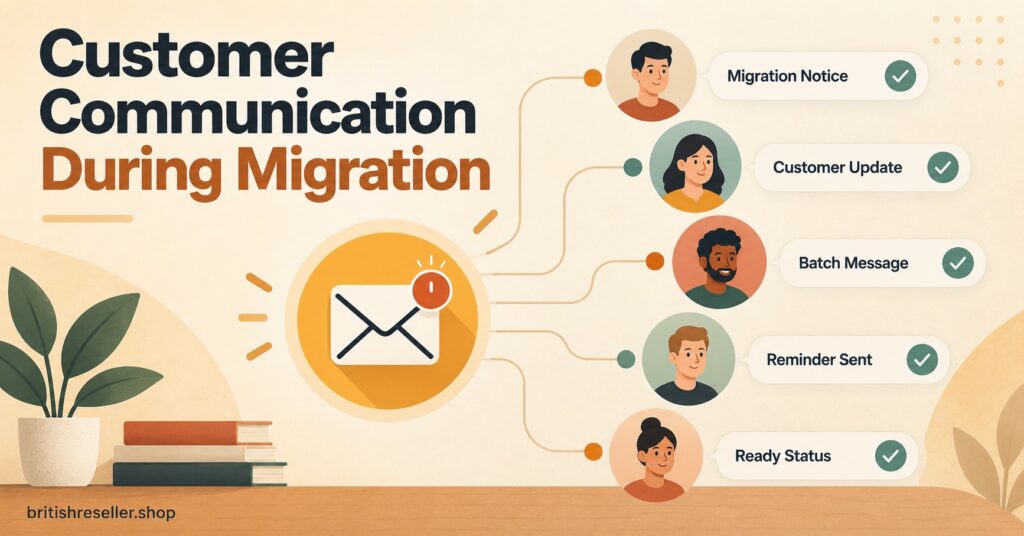
Customers don’t need the technical reason behind a migration, but they do need clear, honest information about what changes for them. Tell them what to expect, roughly when, and what to do if something doesn’t work straight away.
Avoid vague reassurance like promising the new service will be faster or more reliable unless you have genuine evidence for that claim. It’s better to say plainly that you’re changing infrastructure providers and that you’ll be available to help with setup, than to oversell a switch that hasn’t been tested long enough to back up bigger promises.
Sub-Reseller Considerations During a Panel Migration
If you allocate credits to sub-resellers, they need advance notice too, along with clear instructions on recreating their own customer lines under the new structure. Their permissions, credit limits and any commission arrangement should be rebuilt to match what they had before, not assumed to carry over automatically. The sub-reseller account setup guide covers the permission structure worth checking against your new panel before handing sub-resellers access.
A sub-reseller who discovers their credit balance or customer list didn’t transfer correctly will usually escalate faster and more publicly than an individual end customer would, simply because their own business depends on it.
Common Migration Mistakes and Their Consequences
Moving every customer in a single weekend without a test batch tends to surface problems at the worst possible scale, right when support capacity is already stretched thin. A better approach is the staged rollout described above, even if it takes longer overall.
Letting the old panel lapse before every customer has confirmed the new details work is another frequent error; once that access is gone, there’s no fallback if the new connection has an unexpected fault. Keep the old panel live, even at minimal cost, until the last confirmed customer has moved across.
Failing to document credit balances and expiry dates before starting almost always leads to a dispute later, either with customers who believe they’ve lost paid time or with the old supplier over what’s owed on cancellation.
How This Compares to Choosing a Panel From Scratch
A migration is a different problem to a first-time panel selection, but the same evaluation questions apply once you’re deciding on the destination panel. The panel comparison guide sets out the terms, controls and support checks worth confirming with any new provider, migration or not, and how IPTV reseller panels work is a useful refresher if the new dashboard has a noticeably different layout to what you’re used to.
Common Questions
Do reseller credits transfer to a new panel?
Almost never. Credits are tied to the supplier that issued them, so treat any remaining balance on the old panel as something to use before cutover, not something the new provider will honour.
How long does an IPTV panel migration take?
A small customer base can often be moved within a week using a staged approach. Larger books, or migrations involving several sub-resellers, commonly take two to four weeks to complete without rushing the test phase.
Will customers need new app credentials after a migration?
In most cases, yes. Server address, username and password typically change with the panel, even if the app itself stays the same on the customer’s device.
Can I run two panels at once during a switch?
Yes, and it’s the safer approach. Keep the old panel active until every customer group has confirmed the new one is working reliably for them.
What happens to sub-reseller accounts during migration?
They need recreating on the new panel with matching permissions and credit limits, and should be given as much notice as possible since their own customers depend on the account working correctly.
How do I avoid losing customers during a panel switch?
Move in small batches, keep the old service running until each batch is confirmed working, and communicate clearly about what’s changing and why, without overpromising on the new service before it’s been properly tested.
Migrating IPTV Reseller Panel Customers: The Practical Summary
You migrate IPTV reseller panel customers safely by testing first, moving in stages tied to renewal dates, and keeping the old panel running until every customer has confirmed the new one works. The technical side of recreating accounts is usually the easier part; protecting customer trust through clear, honest communication during the switch is what actually determines whether the migration succeeds. Document credit balances and expiry dates before you start, and don’t close down the old service until the last customer group is confirmed.
IPTV Panel Migration Checklist
- Confirm exact expiry dates and remaining credit balances on the old panel
- Get a written quotation from the new supplier before committing
- Move a test batch of ten to twenty customers first
- Check content categories and connection format match customer expectations
- Group the remaining customers by renewal date, not alphabetically
- Send new credentials with a genuine overlap window before old access ends
- Rebuild sub-reseller permissions and credit limits to match the previous setup
- Keep the old panel active until every group is confirmed working
- Track progress in a shared record, not from memory