
An IPTV Reseller Support Workflow is the sequence a reseller follows from the moment a customer reports a problem to the moment it’s resolved and logged. Most UK IPTV resellers build this by accident, one WhatsApp message at a time, which is exactly why response times slip and the same faults keep coming back.
What Counts as Support in an IPTV Reseller Business
Support isn’t just fixing buffering complaints. It covers activation confirmation, device setup help, credential resets, renewal reminders, refund requests and escalation to the panel provider when the fault sits upstream. Treating these as separate, unconnected tasks is the main reason small reseller operations feel chaotic even when order volume is low.
A workflow only exists once each of these has a defined starting point, a person responsible for it, and a way of knowing it’s actually closed rather than just quiet.
The Core Stages of a Working Support Workflow
Most functional setups follow a similar shape, even if the tools differ.
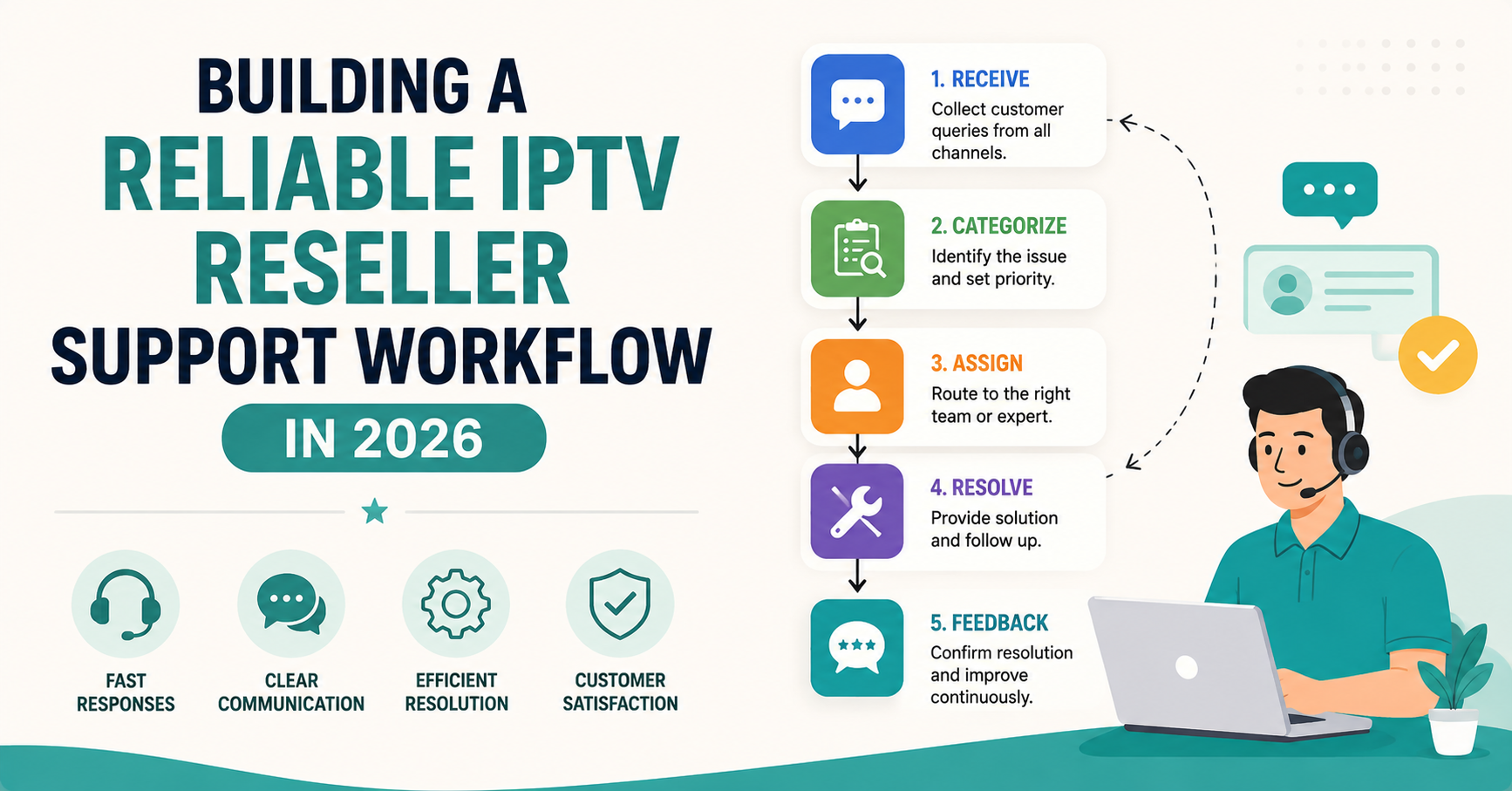
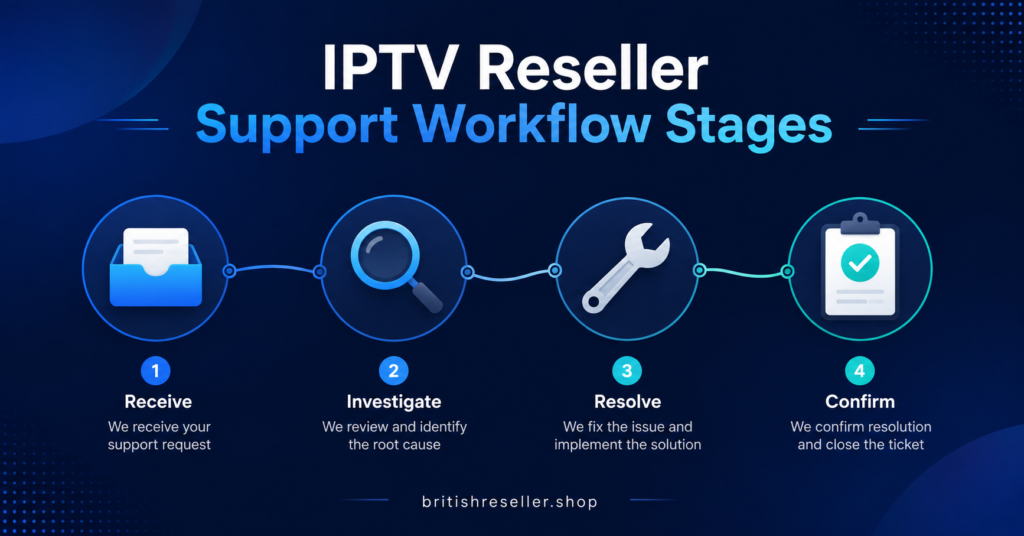
First comes intake: a customer message arrives somewhere, usually WhatsApp, email or a ticket form. Second is triage: deciding whether this is a device issue, a credential issue, a billing issue or a supplier-side fault. Third is action: applying the fix, resetting a line, reissuing credentials or explaining a setup step. Fourth is confirmation: checking the customer is actually watching again, not just assuming the fix worked. Fifth is logging: recording what happened so the same fault isn’t diagnosed from scratch next time.
Skipping triage is the most common shortcut, and it’s the one that causes the most repeat tickets. A reseller who jumps straight to “try reinstalling the app” without checking whether the account itself is still active ends up solving the wrong problem twice.
Where Reseller Support Workflows Usually Break Down
The failure points aren’t usually technical. They’re structural.
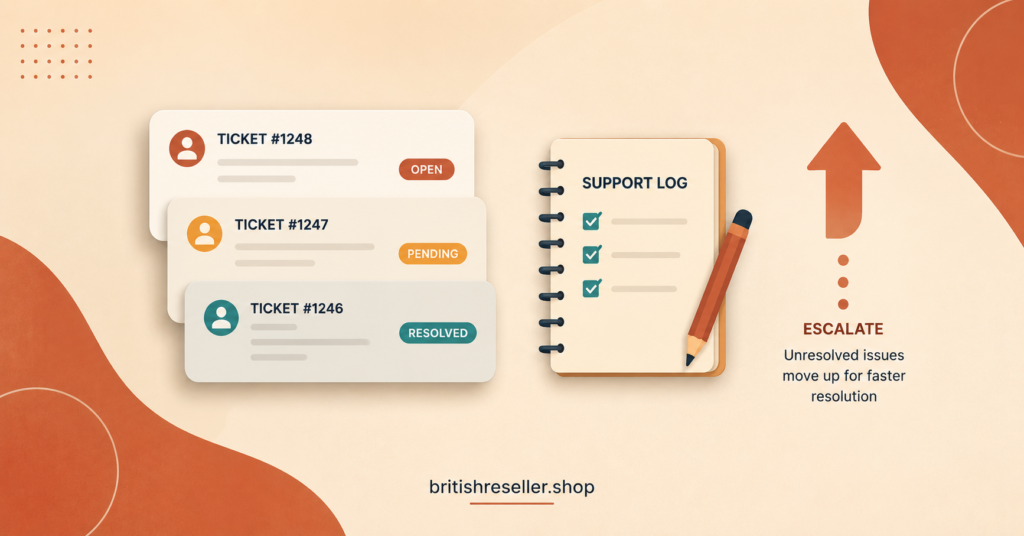
One person handling sales, activation and support at once means urgent renewal messages get buried under new customer enquiries. No written triage steps means every fault gets treated as a fresh mystery, even ones that happened last week. No record of past faults per customer means a recurring issue looks like three separate ones. And no clear line for escalating to the panel provider means a genuine server-side outage gets treated as a local device problem, wasting time on both sides.
| Breakdown point | Why it happens | What actually fixes it |
|---|---|---|
| No triage step | Every message gets the same generic reply first | A short checklist to identify fault type before responding |
| No customer history | Recurring faults look new each time | A simple log, even a spreadsheet, per customer account |
| No escalation line | Supplier-side faults get treated as local problems | A defined point at which the issue goes to the panel provider |
Pro tip: Keep even a basic spreadsheet with one row per customer, noting device type, last fault and date resolved. It takes minutes to update and saves far more time the second time the same fault appears.
Building the Workflow Around Your Actual Panel
The workflow should match how your IPTV reseller panel actually manages accounts, not an idealised version of it. If credential resets take two minutes in the dashboard, your workflow can promise a fast turnaround. If they require a manual request to the supplier, your workflow needs to account for that delay honestly rather than promising something you can’t consistently deliver.
Resellers running sub-reseller accounts need an extra layer here. A sub-reseller’s support workflow is still your responsibility if their customers can be traced back to your credits, so agree in writing who handles first-line support and at what point a fault gets passed up to you.
Pro tip: Write down your average time from “customer reports fault” to “customer confirms it’s fixed.” You don’t need a fancy dashboard for this, just a habit of noting the two timestamps. It’s the single number that tells you whether the workflow is actually working.
Documentation Customers Never See But Should Exist Anyway
A written internal guide covering common faults, how to reset a line, how to reissue credentials and what counts as a supplier-side issue turns support from something only you can do into something a second person could pick up. This matters more as volume grows. Without it, every new hire or sub-reseller repeats the same learning curve, and every mistake they make lands on your customer relationships, not just theirs.
This documentation doesn’t need to be polished. A shared document with short, specific steps beats a long guide nobody reads under pressure.
Refunds and Chargebacks Need Their Own Path
Not every support request ends in a fix. Some end in a refund conversation, and treating that as an extension of technical support usually goes badly. A clear, separate step for refund requests, including your written terms on non-delivery of service, keeps this from turning into a drawn-out dispute. Check your credit and pricing terms before promising any refund so you’re not agreeing to something your margin can’t absorb.
Reseller Support Checklist
- Confirm intake channel and who is responsible for checking it daily
- Write a short triage list to identify device, credential or supplier faults
- Keep a per-customer log of past faults and resolutions
- Define the exact point at which an issue escalates to the panel provider
- Set a realistic response time based on how your panel actually handles resets
- Separate refund requests from technical troubleshooting
- Document common fixes somewhere a second person could follow
Common Questions
How long should IPTV reseller support take to resolve a fault?
There’s no fixed industry figure, since it depends on whether the fault is a quick credential reset or something requiring supplier escalation. What matters more is having a consistent internal target you can actually meet and explain to customers.
Should I handle support myself or bring someone else in?
That depends on volume and how much of your time it’s taking from sales and account management. If faults are eating into hours you’d otherwise spend growing the business, a documented workflow makes it realistic to hand first-line support to someone else without quality dropping.
What’s the difference between a device issue and a supplier-side fault?
A device issue usually affects one customer on one app or box. A supplier-side fault typically affects multiple customers at once, often tied to a specific server or region. Checking whether more than one customer is reporting the same symptom is a quick way to tell them apart.
Do I need special software to run a support workflow?
No. A shared spreadsheet, a messaging app and a written triage checklist are enough for most reseller operations. Dedicated ticketing tools help once volume grows, but they don’t fix a workflow that was never defined in the first place.
How do I stop the same fault coming back repeatedly?
Log what actually fixed it the first time, not just that it was fixed. Recurring faults often trace back to the same device type, app version or account setting, and you can only spot that pattern if you’re keeping notes.
A dependable IPTV Reseller Panel Support Workflow doesn’t need to be complicated. It needs defined stages, a working triage habit, a place to log recurring faults and a clear line for escalating anything that sits outside your control. Start by writing down your current process exactly as it happens today, then find the one step that’s missing, whether that’s triage, logging or escalation, and fix that first before adding anything else.