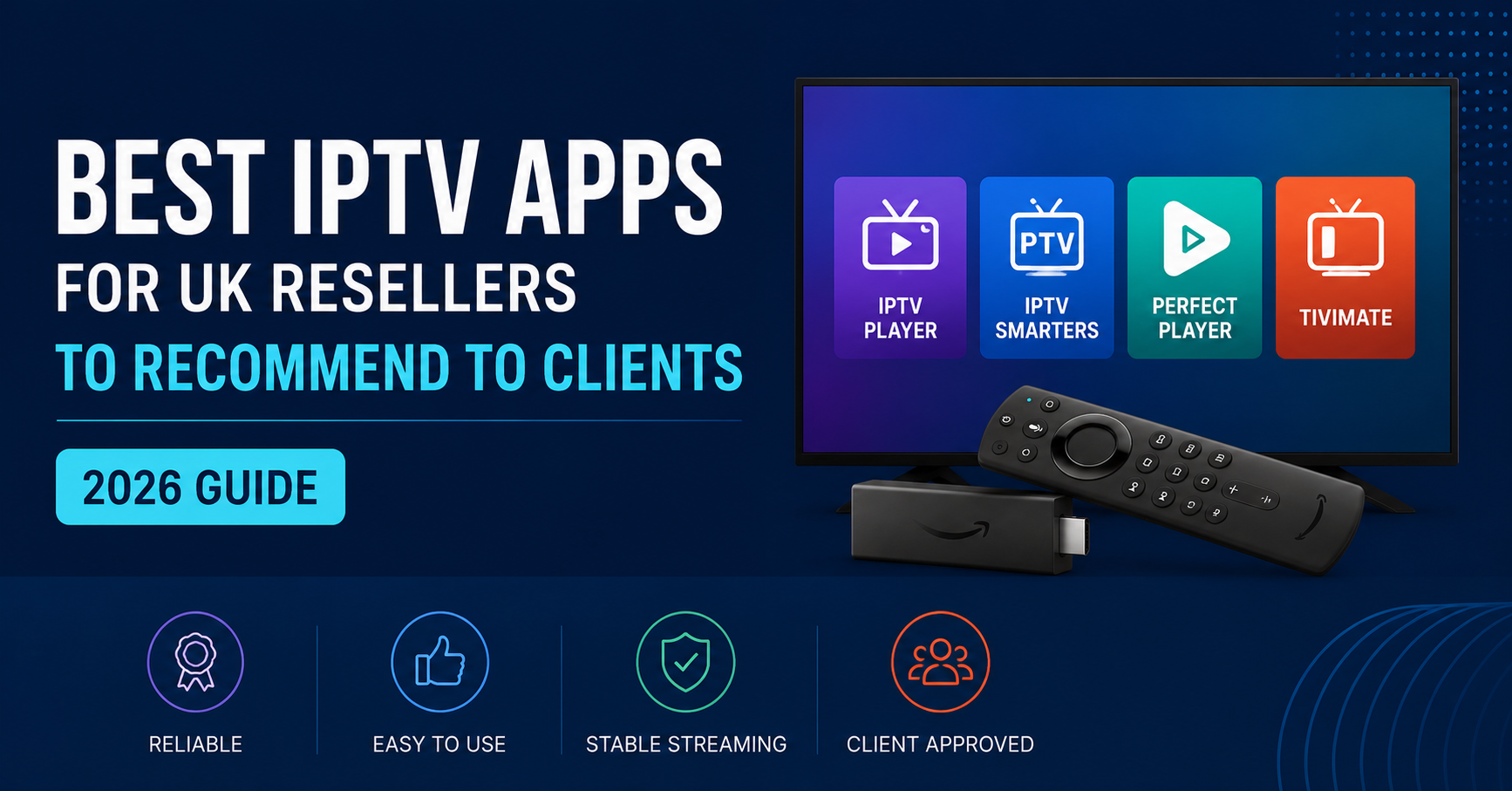

The Best IPTV Apps for UK Resellers to recommend usually come down to three things: does the app match the customer’s device, does it support the login format your panel gives out, and does it keep your support messages low. For most UK IPTV reseller setups that means an Xtream Codes compatible app on Firestick and Android TV, a native or third-party player on iOS, and the built-in app on most Smart TVs. There is no single app that suits every customer, which is exactly why the choice needs a bit more thought than “just use whatever’s free.”
[ez-toc]
What Makes an IPTV App Worth Recommending to Your Customers?
Before comparing specific apps, it helps to be clear on what actually matters to a customer using one day to day. Channel count and interface polish get talked about a lot, but they rarely cause a support message. The things that do are login format compatibility, EPG (electronic programme guide) reliability, and how the app behaves after a phone restarts or an update lands.
A customer does not care which company built the app. They care whether it opens, whether their channels are where they left them, and whether they have to type their password in again every week. That is the bar an app needs to clear before it is worth putting your name behind.
Pro tip: ask a new customer what device they actually watch on before sending any app recommendation. A Firestick user and a Smart TV user need completely different guidance, and guessing wrong just creates a second support message an hour later.
Best IPTV Apps for UK Resellers: Matching the App to the Device
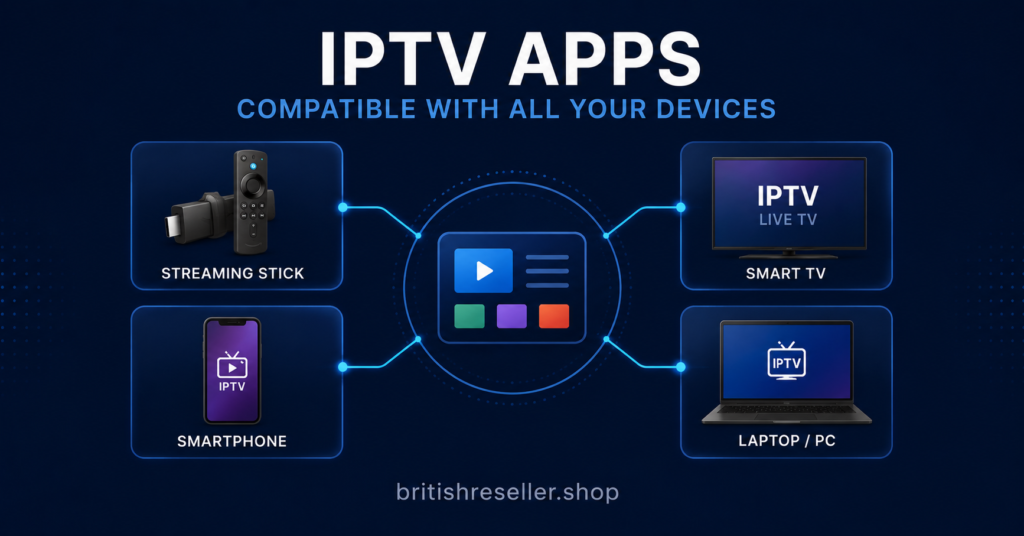
This is the part that actually changes week to week for a reseller, because customers arrive with whatever device they already own. Below is a practical breakdown of what tends to work well by device type, based on how each platform handles Xtream Codes and M3U logins.
| Device or Platform | What Usually Works Best |
|---|---|
| Firestick / Fire TV | An Xtream Codes compatible player, sideloaded via the Downloader app |
| Android TV / Android box | Same Xtream Codes players as Firestick, often via the Play Store directly |
| Smart TV (Samsung, LG) | Built-in app store player where available, or a browser-based option |
| iOS (iPhone, iPad) | A dedicated IPTV player from the App Store that supports Xtream login |
| Windows / Mac | A desktop-compatible player or VLC using an M3U link |
| MAG box | The device’s own portal, pointed at your provider’s portal URL |
None of these are the only option, and app availability changes as app stores update their policies. What stays consistent is the underlying requirement: the app needs to accept either an Xtream Codes login (server, username, password) or an M3U link, because that is what your panel generates for every customer line.
Xtream Codes Apps: Why They Are the Default Recommendation
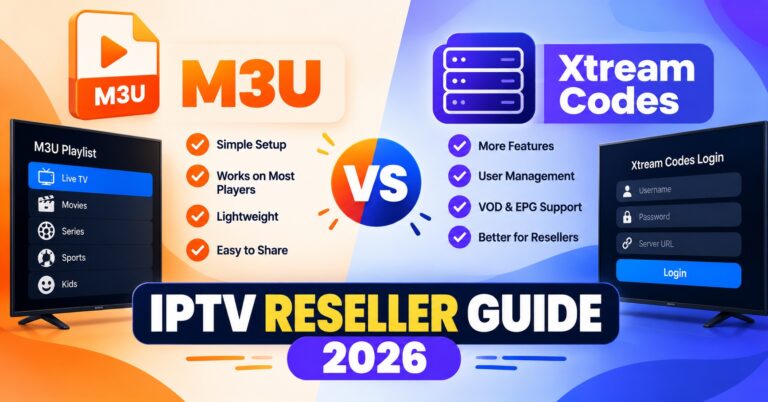
Most modern IPTV panels, including the one behind a UK IPTV reseller business, generate lines in Xtream Codes format by default. This is a login structure made up of a server address, a username and a password, and it has become the closest thing the industry has to a standard because so many apps across so many platforms accept it without extra configuration.
The practical upside for a reseller is fewer setup questions. You send three lines of login detail, the customer pastes them into whichever app they have chosen, and the channel list, EPG and VOD library populate automatically. Compare that to talking someone through manually building an M3U playlist file, and it is obvious why Xtream-format apps are usually the first thing worth recommending.
That said, not every app handles Xtream logins identically. Some refresh the EPG on a schedule you cannot control, some cache channel lists longer than others, and some handle a dropped connection more gracefully than others when a customer’s home broadband has a wobble. Testing an app yourself, on your own line, before recommending it widely is the only way to know which of these quirks actually apply.
M3U Playlist Apps: When They Make More Sense
An M3U link is essentially a plain text file listing every channel’s stream address. It is older technology than the Xtream format, but it still has a place, particularly for VLC on desktop, certain Smart TV browsers, and Enigma2-based boxes that some UK customers still run.
The trade-off is that M3U apps generally do not pull EPG data as smoothly, and a customer will sometimes need to add a second EPG URL manually to get programme guide information showing correctly. For a customer who is comfortable following a short setup guide, this is a non-issue. For a customer who wants to press one button and be watching within a minute, it is usually the wrong recommendation.
Pro tip: keep a short written guide ready for both Xtream and M3U setup on your two or three most-recommended apps. Sending a two-minute read the moment someone asks saves you from re-explaining the same steps by voice note every week.
Free Apps vs Paid Apps: What Actually Changes
Customers occasionally ask whether they need to pay for the app itself, separate from their subscription. The honest answer is that most of the apps worth recommending are free to download, and the subscription cost is what they are paying you for, not the app.
| Consideration | Free App | Paid App |
|---|---|---|
| Upfront cost to customer | None | One-off purchase, usually small |
| Ads inside the app interface | Sometimes present | Usually removed |
| Update frequency | Varies by developer | Often more consistent |
| Support from app developer | Limited or community-based | Sometimes included |
Neither column is automatically the right answer. A customer who just wants something functional is often better served by a well-reviewed free app. A customer who has been burned by a cluttered interface before might prefer paying the small one-off fee for something cleaner. It is worth explaining this distinction rather than assuming price signals quality, because with IPTV apps specifically, it often does not.
Common App Problems Your Customers Will Message You About
Every reseller ends up fielding a version of these messages sooner or later. Knowing the likely cause before you open a chat window saves time on both sides.
| Problem | Likely Reason | Next Action |
|---|---|---|
| App opens but shows no channels | Login details entered incorrectly or with extra spaces | Ask the customer to re-enter details exactly, or resend the login |
| Channels load but freeze constantly | Local wifi congestion or device running too many background apps | Suggest a wired connection or restarting the router |
| EPG shows no programme information | M3U app without a separate EPG URL added | Send the EPG link separately for that specific app |
| App keeps logging the customer out | App cache issue or a recent app update | Clear the app cache or reinstall it |
| App disappeared from the store | Store policy change affecting that specific app | Recommend an alternative app from your tested shortlist |
Working through a table like this with a customer, rather than guessing over several messages, tends to resolve things faster and makes you look like you know what you are doing, because you do.
Illustrative Example: Where a Provider Like Skip This Fits In
To make this concrete, imagine a provider such as Skip This supplying the underlying content access. From the app conversation’s perspective, the provider barely matters. What matters is the login format that provider’s panel outputs and whether the apps you recommend accept it cleanly.
This is worth remembering when evaluating any IPTV provider, including one like Skip This: a good provider does not automatically mean a good app experience, and a good app does not fix a provider with unreliable servers. The two are separate decisions, and treating them as one is a common mistake among newer resellers. Evaluate the provider on service quality and transparency, and evaluate the app separately on device compatibility and stability.
Questions to Ask Before You Recommend Any App to a Client
A short mental checklist before sending a customer toward any specific app keeps the recommendation useful rather than generic.
- Which device is the customer actually using, not which device is most common overall?
- Does the app accept the login format your panel generates for that customer?
- Have you personally tested this app in the last month, or are you recommending it from memory?
- Is the app still available in that platform’s store, or has it recently been pulled?
- Does the customer need EPG data, and does this app handle it without extra steps?
Pro tip: keep a simple spreadsheet of which apps you have personally tested on which devices, with the date. App stores change their listings often enough that a recommendation from six months ago can be stale without you noticing.
Subscriber Experience vs Reseller Responsibility
For the customer, the app is the entire experience. They do not see your panel, your credits, or your provider relationship. If the app is confusing or unstable, that reflects on you, not on whichever company built the app.
For you as the reseller, the responsibility runs slightly differently. Your job is to send working login details, point the customer at an app that suits their device, and be reachable when something goes wrong. You are not responsible for app store policy changes or for a developer discontinuing an app, but customers will still message you first when either happens, so having a backup app in mind for your most common devices avoids scrambling.
Understanding how an IPTV reseller panel actually works makes this division of responsibility clearer, since the panel is where your control starts and stops. Everything past the login screen is the app’s job, not the panel’s.
Keeping the Legal Picture Clear When You Recommend Apps
IPTV as a delivery method is simply television sent over an internet connection rather than a satellite dish or aerial, and that part is not in question. What determines whether a specific IPTV subscription UK customers are using is on the right side of the law is whether the content being streamed is properly licensed, not which app happens to display it.
An app itself is neutral. It plays whatever stream you point it at. Recommending an app is not a legal statement about content, but it is worth being straightforward with customers and with yourself about where your provider’s content rights actually stand, and steering clear of treating a professional-looking website or a working payment system as proof that everything behind it is licensed. If you are ever unsure about the standing of your own IPTV reseller business, that is a conversation for a solicitor rather than a guess based on how established a provider looks. You can review our policies and terms for how this responsibility is set out for resellers using the Smark panel.
For further reading on setup guidance and device-specific walkthroughs, the IPTV reseller blog is a reasonable place to point customers who want to self-serve rather than message you every time.
FAQ
What is the best IPTV app for a Firestick customer?
Any well-maintained Xtream Codes compatible player sideloaded through the Downloader app tends to work reliably on Firestick. Test a couple yourself and keep your favourite as your default recommendation.
Do IPTV apps cost money?
Most apps worth recommending are free to download. The subscription itself is the paid part. A small number of apps charge a one-off fee, usually to remove ads or add extra features.
Why does my customer’s app show no channels after login?
This is almost always a login details issue, either a typo or an accidental space when copying the username or password. Re-sending the login exactly as generated by the panel usually fixes it.
Can the same login work on more than one app?
Yes, in most cases. The login itself is not tied to a specific app, so a customer can switch apps or try a backup without needing a new line from you, as long as the new app accepts the same format.
Is it my responsibility as a reseller if an app stops working?
You are not responsible for a third-party app being removed from a store or discontinued, but customers will still contact you first. Keeping a tested backup app for common devices avoids leaving them stuck.
What is the difference between an Xtream Codes login and an M3U link?
An Xtream Codes login is a server, username and password combination that most apps read automatically, including EPG data. An M3U link is a playlist file that some apps need paired with a separate EPG link to show programme information.