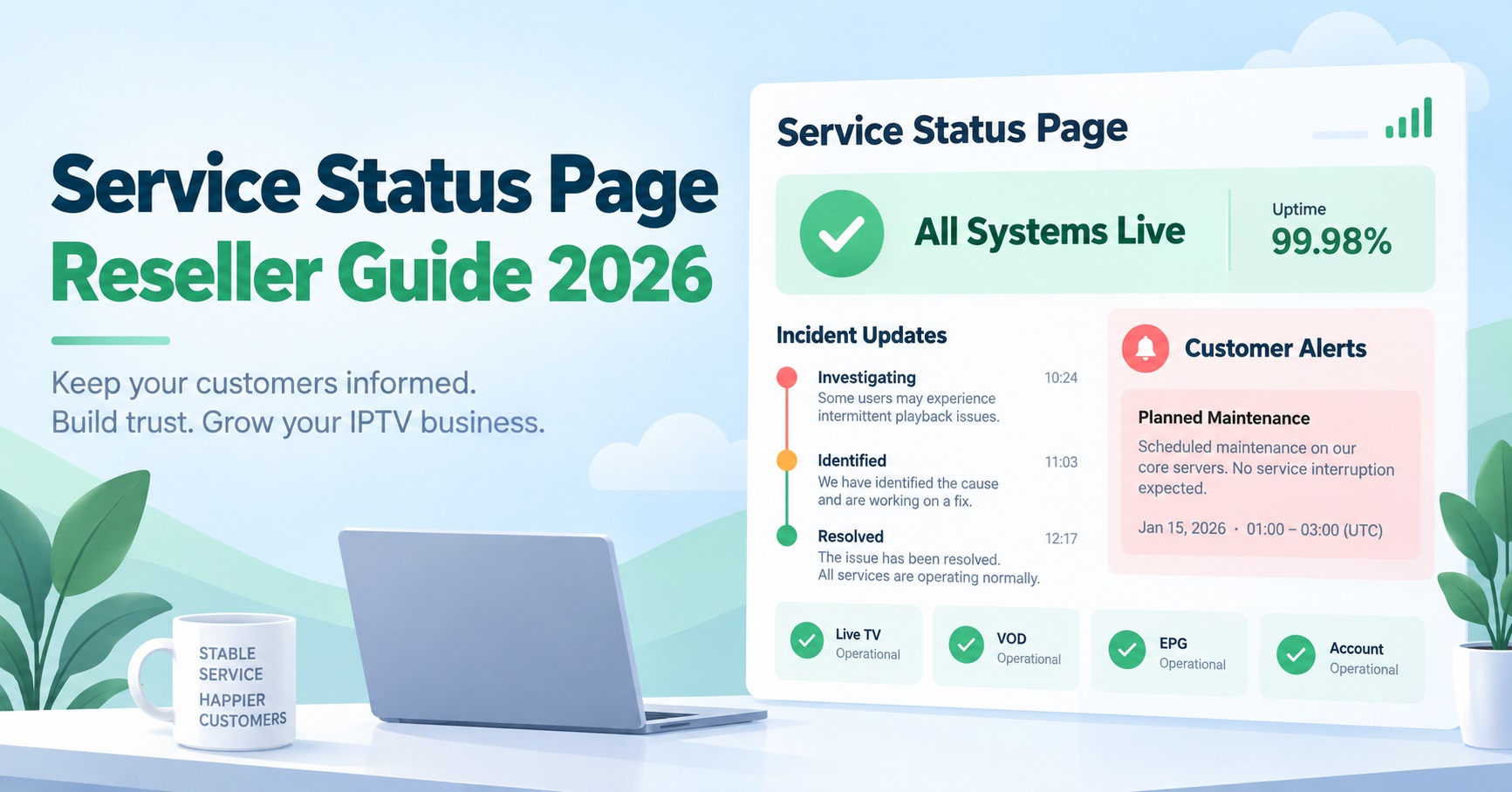

Most support tickets for an IPTV Panel reseller start the same way: “is it just me or is the service down?” A status page exists to answer that question before the customer has to ask it, and you don’t need a developer or a paid monitoring plan to build an IPTV Service Status Page that does the job properly.
What trips resellers up isn’t the build itself, it’s confusing a page that shows uptime with a page that explains what’s actually happening. A status board that just says “online” while half your customer base is buffering because of local ISP throttling will erode trust faster than having no page at all. The page only works if it tells people the truth, quickly.
What a Status Page Is Actually For
A status page is not a marketing asset and it’s not a substitute for support. Its only job is to reduce the number of people who message you asking the same question at the same time, usually during an incident that’s already stressful enough to manage. When it’s done well, a customer checks the page, sees an honest update, and either waits it out or troubleshoots on their end. When it’s done badly, the page contradicts what customers are experiencing, and it gets ignored within a week.
For a reseller managing customer lines through a panel, this matters more than it looks. One outage on the supplier’s end can generate dozens of near-identical messages within minutes. A working status page absorbs most of that traffic before it reaches your inbox.
Separate Server Status From ISP-Side Problems
This is where a lot of status pages fail before they even launch. IPTV interruptions come from at least three different places: the panel or streaming infrastructure itself, the customer’s own network or device, and ISP-level interference that has nothing to do with your service at all. A status page that only checks server uptime will show green while a large share of customers on a particular network are still struggling to connect. If you haven’t dealt with this distinction before, this breakdown of ISP blocking in the UK is worth reading first, because it explains why “the service is up” and “the customer can watch it” are two separate claims.
Build your status categories around this split from day one:
- Panel and account management access
- Streaming and playback performance
- Known ISP-related disruption, listed separately and clearly labelled as outside your control
Pro tip: Never merge ISP-related disruption into your general “service status” line. Keeping it separate protects you from being blamed for something you can’t fix, and it gives customers an honest reason for what they’re seeing.
Three Ways to Actually Build One
You don’t need custom software. Pick the option that matches how many customers you’re supporting right now, not the one that looks most impressive.
| Method | Best suited to | Limitation |
|---|---|---|
| Shared doc or pinned message (Notion, Google Doc, WhatsApp channel) | New resellers with a small customer base | No automation, relies entirely on you remembering to update it |
| Free third-party uptime monitor with a public page | Resellers who want automatic pings against their panel or streaming server | Detects server downtime only, won’t catch ISP-side or app-level issues |
| A dedicated page on your own site | Resellers who want branding, SEO value and full control over wording | Needs manual updates during incidents unless connected to a monitoring feed |
Most UK IPTV panel resellers who are past the first few dozen customers end up combining two of these: an automated monitor for basic uptime, plus a manually written note for anything the monitor can’t see, like ISP throttling or a supplier-side content issue.
Deciding What Actually Belongs on the Page
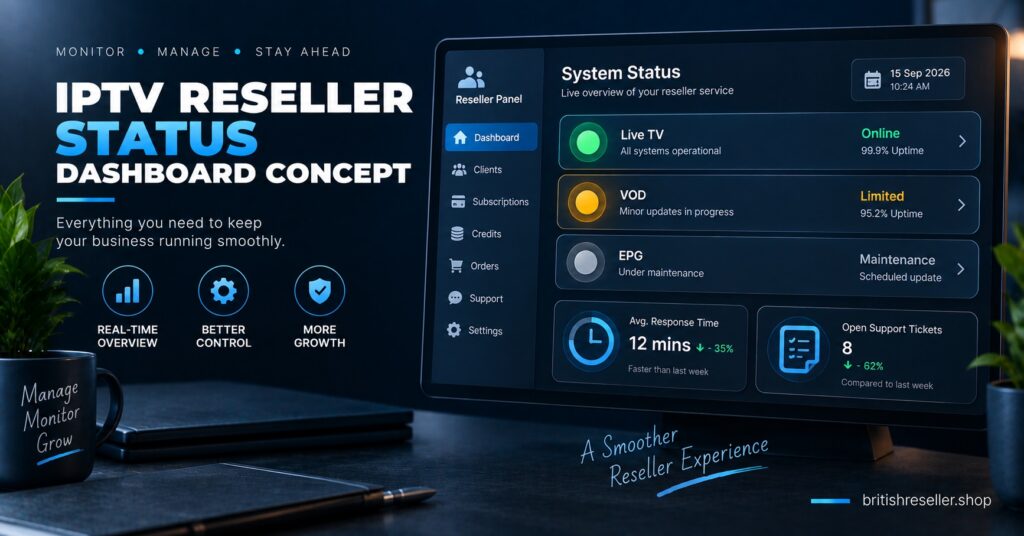
Keep the content narrow. A status page that tries to double as a blog or an FAQ page stops working as a status page. What it needs is:
- A current status line for each category (panel access, streaming, known ISP disruption)
- A timestamp showing when it was last updated, not just when it was last checked
- A short plain-language note during any active incident, written for someone who isn’t technical
- A rough expectation of the next update, even if that’s just “we’ll update this within two hours”
Don’t include specific content categories or anything that could be read as confirming what channels or programming are affected. If a customer asks in support chat, that’s a private conversation. On a public page, keep the wording generic: “streaming interruption affecting some connections” rather than naming what’s unavailable.
What Not to Promise on a Status Page
It’s tempting to write “99.9% uptime” or “always online” somewhere near the top, especially if you’re trying to reassure new customers. Don’t. No IPTV panel operator can honestly guarantee uninterrupted service across every ISP, device and region, and a status page that opens with an unverifiable claim undermines the one thing the page is supposed to build, which is trust during a problem. Stick to what you can actually stand behind: how quickly you update the page, and how clearly you explain what’s happening.
If you’re still working out your own understanding of how the panel side of this operates, this explanation of how reseller panels work covers the account and dashboard layer that most status pages are built to monitor.
Connecting the Status Page to Your Support Workflow
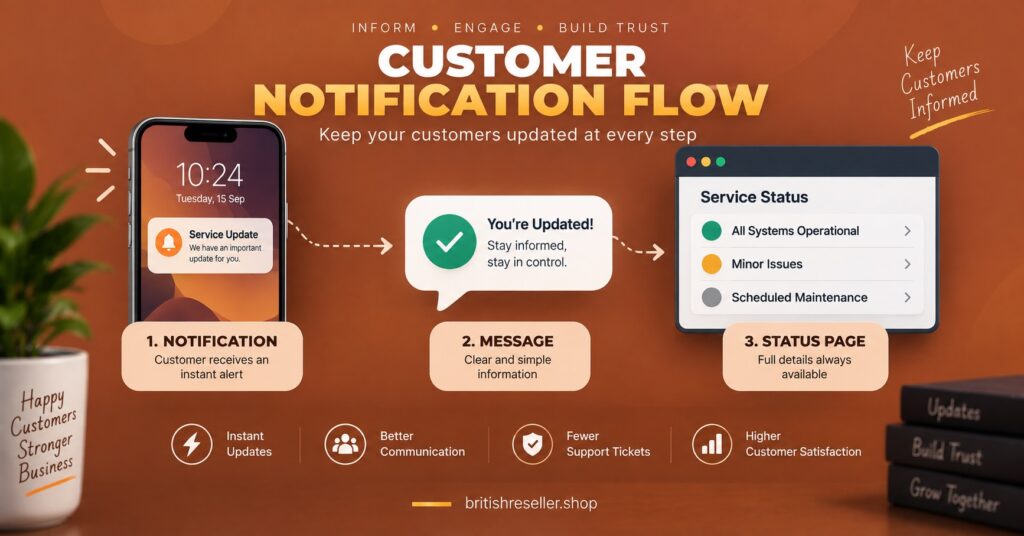
A status page only reduces workload if support actually points to it. Add the link to your WhatsApp auto-reply, your onboarding message and anywhere a customer might first ask “is it down.” If you run sub-resellers under your account, decide early whether they get their own branded status page or share yours, because customer confusion about who to contact tends to appear exactly when things are already going wrong. This guide to setting up sub-reseller accounts is a useful reference if you haven’t defined that escalation path yet.
Pro tip: During a genuine incident, update the page even if the update is “no new information yet.” Silence reads as either negligence or a bigger problem than it is.
Common Questions
Does a status page need to be built by a developer?
No. A free uptime monitor with a public page, or a well-maintained shared document, covers most IPTV reseller-sized operations. Custom development only becomes worthwhile once you’re managing a large customer base across multiple servers.
Can a status page replace live support chat?
No. It reduces repeat questions during known incidents, but it can’t diagnose a customer’s individual device or account issue, and it shouldn’t be presented as a replacement for support.
Should the status page mention specific channels or content that’s affected?
Keep the public page generic. Naming specific content categories publicly creates unnecessary risk and isn’t something a support page needs to do to be useful.
How do I show the difference between a server outage and ISP blocking?
List them as separate categories with separate wording. A server outage is something you can fix or escalate; ISP-side blocking usually requires a workaround on the customer’s end, and conflating the two makes both look worse.
Do sub-resellers nefed their own status page?
Not always, but they do need a clear answer about which page to check and who updates it, agreed before an incident happens rather than during one.
Building an IPTV Service Status Page: The Practical Takeaway
None of this needs to be complicated. Whether you build an IPTV reseller panel Service Status Page using a free monitoring tool, a pinned document, or a proper page on your own site, the thing that actually matters is honesty about what’s happening and how often you update it. Start small, separate server issues from ISP-side problems from the first day, and route your support messages toward the page instead of repeating the same answer forty times during one outage.
Status Page Setup Checklist
- Choose a build method that matches your current customer volume, not your ambitions
- Create separate status categories for panel access, streaming, and ISP-related disruption
- Write generic, non-specific wording for any public incident notes
- Add a visible “last updated” timestamp to every status line
- Link the status page from your support auto-replies and onboarding messages
- Agree with any sub-resellers on which page they and their customers should check
- Update the page during an incident even when there’s nothing new to report