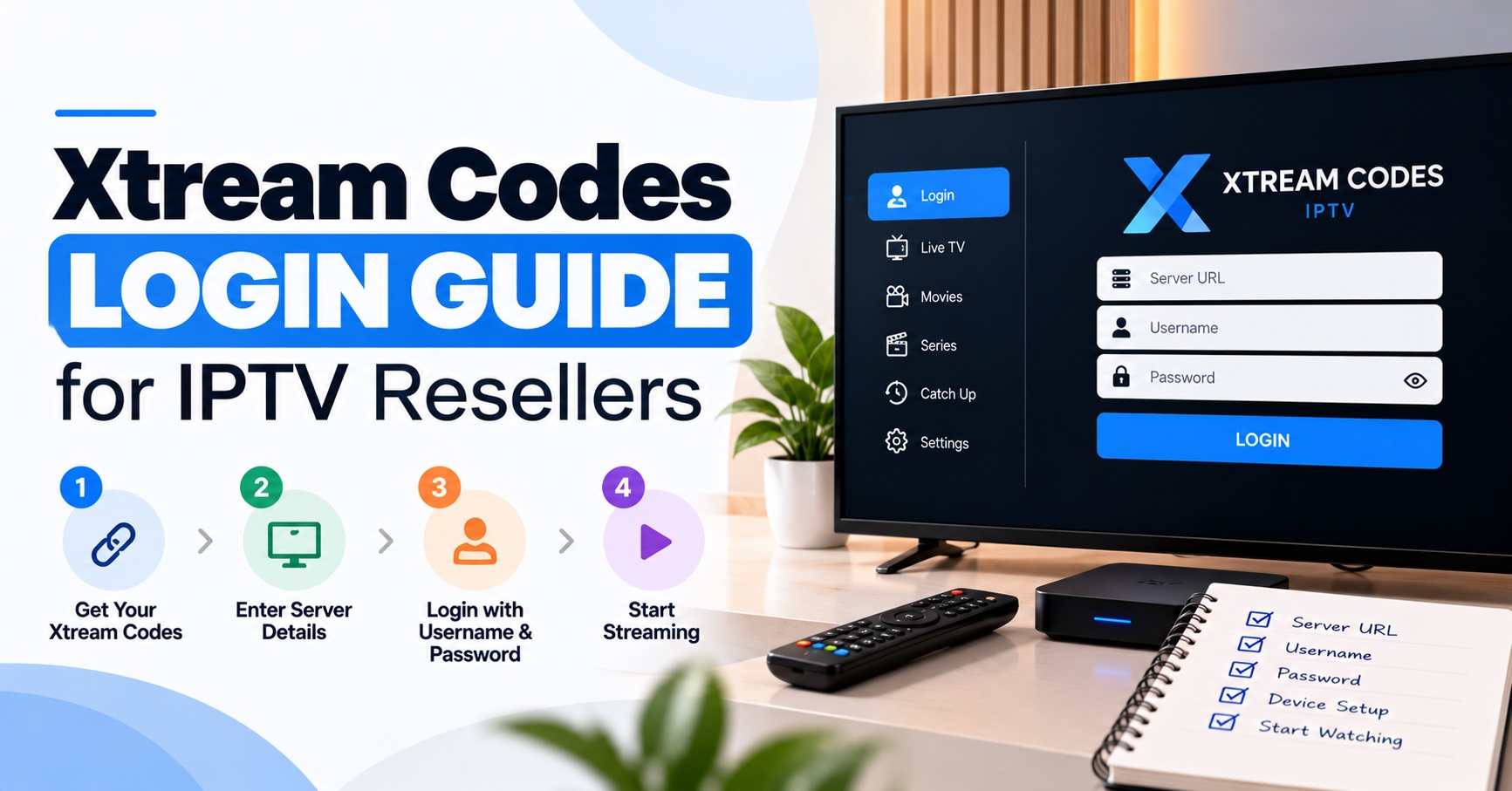

The Xtream Codes Login Guide for a UK IPTV reseller starts with one fact: a customer signs in with three values, the full server address including its port, a username and a password, and all three must be typed exactly as issued.
When a login fails, the cause is usually small. It might be a missing http://, a slash left on the end of the address, a letter changed by autocorrect, or a line that has reached its end date. Real server faults are rarer than support messages suggest, so check what was entered before assuming the service is down.
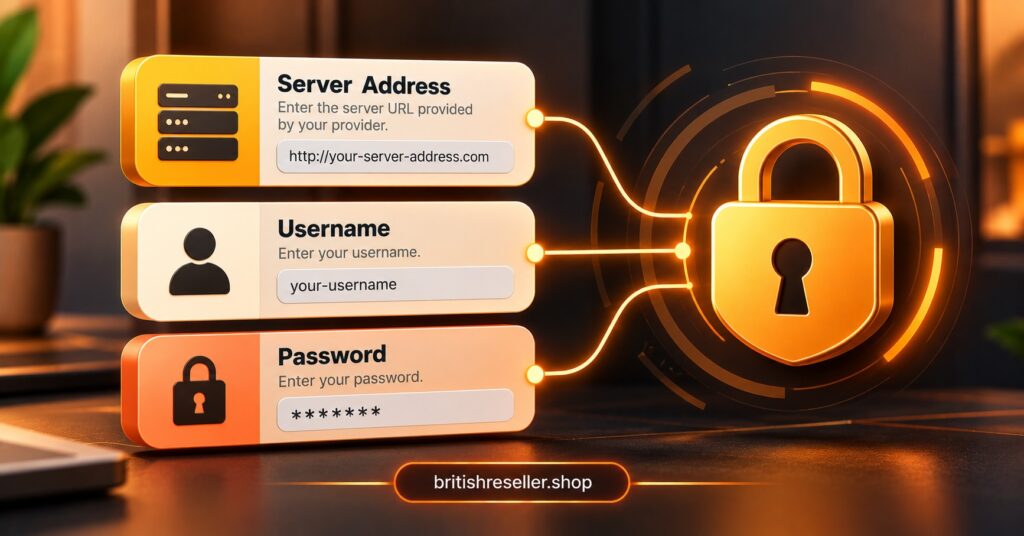
The three values and what each one does
The server address tells the app where to connect. It normally includes the protocol exactly as supplied (http or https), the domain or IP address, and a port number after a colon. Treat it as one unbroken string. Dropping the port, or swapping http for https, is enough to stop the connection.
The username and password identify the customer’s line. Many players treat both as case-sensitive, so a capital letter matters. Most apps also ask for a display name, which is only a label for the customer’s own list and has no effect on the login.
If the customer was sent a playlist link from the same panel instead, the same three values are inside it. Everything before the get.php part is the server address. The username and password sit in the query section after it. This is useful when a customer has a link but the app only offers the username, password and server form. Do it only for the customer’s own line, and never paste a live link into a public chat or forum.
“Xtream Codes” describes a login format that compatible players understand. It says nothing about whether the content behind it is licensed, secure or reliable. IPTV is a delivery technology, and what may lawfully be sold through it depends on rights and permissions that the IPTV reseller needs to verify.
Handing credentials over without creating a support ticket
Most login tickets begin at the moment of delivery. Long server addresses wrap across lines in messaging apps, pick up a full stop at the end, or turn into a tappable link that opens a browser instead of being copied. Send each value on its own line in plain text, and ask the customer to copy and paste rather than retype.
Ask which app and device the customer plans to use before sending anything. Some devices expect a username, password and server address. Others expect a playlist link, and portal-based set-top devices use a different arrangement again. Sending the wrong format creates a failure that no amount of checking will fix. Our guide to player apps worth recommending to IPTV reseller customers covers how common player formats differ.
Where your panel lets you choose credentials, avoid ones that mix up easily when read aloud or typed from a screenshot, such as a capital I against a lower-case l, or a zero against a capital O. It costs nothing at creation and saves a lot of back-and-forth later.
Pro tip: Send the credentials only after the customer confirms their app and device, and keep the message to the three values with no extra text around them.
Xtream Codes Login Guide for failed connections: read the message first
Error wording differs between apps, so group what you hear into three kinds. The app cannot reach the server, or it reaches the server and the details are rejected, or it signs in and shows nothing. Each points to a different place, and sorting the report this way stops you resetting passwords when the address is the real problem.
| What the customer sees | Likely reason | Next action |
|---|---|---|
| Cannot connect or times out | Wrong address, missing port or protocol, or a network problem | Compare the address with the panel character by character |
| Invalid username or password | Typo, wrong case, or a line that was reset or removed | Check the line in the panel, then reset and resend if in doubt |
| Signs in but the list is empty | Expired line, no categories assigned, or the app still loading | Check expiry and category assignment, then allow time for a full load |
| Works on mobile data, fails on home broadband | A restriction on that particular network | Ask your supplier to check the address, and read the note on network blocking below |
| Signs in, then drops later | Too many simultaneous connections on the line | Check the connection limit set on that line |
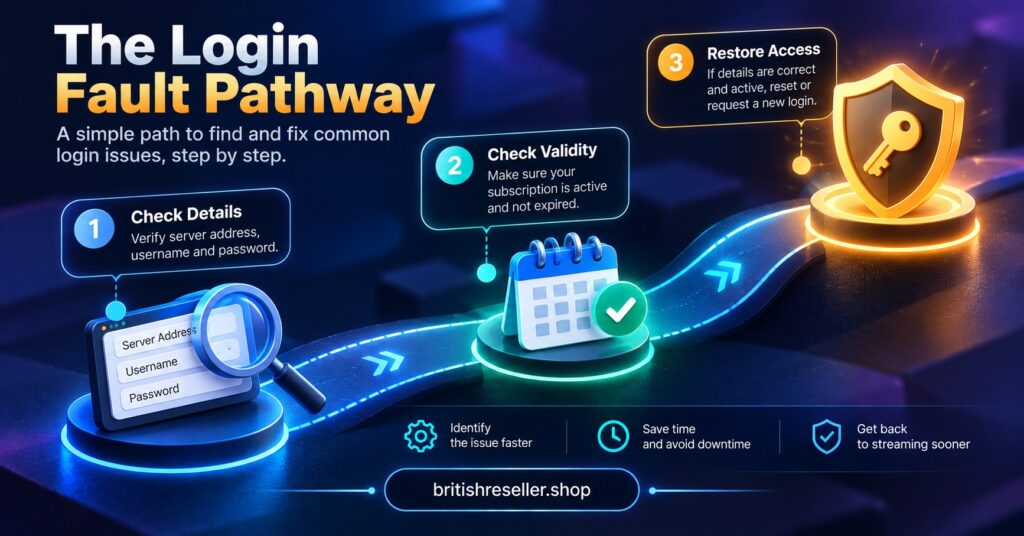
Work through it in order. First put the customer’s entry next to the panel record and compare the address, username and password one character at a time. Next check that the line is active and has not passed its end date. If both are fine, reset the password and send fresh details, and ask the customer to delete the old entry so a stale one does not keep failing in the background.
Testing the same details on a second network is a fair diagnostic step, because it separates a fault with the line from a fault with the connection. Do not suggest workaround tools to get around a network restriction. Give the customer the facts and take the question to your supplier. Our piece on why a connection can behave differently on one network explains the background.
When the details are right and the login still fails
Line status
Check the line itself before the customer’s device. An expired or suspended line can look exactly like a bad password in some apps. If renewals draw on credits, confirm the credit was actually applied rather than assuming it was.
Connection limits
A line allows a set number of simultaneous connections. A family member’s phone, a second television and a forgotten old device can all use that allowance. If the login works for some people and then fails, ask what else is signed in before changing anything.
Device and app issues
An incorrect date or time on the device can interfere with secure connections. An outdated app may also handle the format badly. Ask the customer to update the app and restart the device once before you escalate. If the same details work in a second compatible player but not the first, the fault is with that app, not the line.
Your own panel login is a different door
Your reseller dashboard login has nothing to do with a customer’s line credentials, and the two should never be mixed. Customers never need your dashboard details, and a support message that contains them is a sign something has gone wrong. Use a strong password unique to the panel.
If you run sub-resellers, decide in advance who resets customer credentials. Two people changing the same line within minutes of each other is a common cause of a customer being told one thing by one person and something different by another. Check what permissions each sub-reseller account carries before it goes live. For the wider picture of how customer lines, credits and renewals fit together, see how IPTV reseller panels handle customer lines and how the reseller process works from credit to renewal.
Keeping credentials safe after they leave your hands
Once details are sent, you lose control of where they end up. Keep one line per customer so a leak can be dealt with without disturbing anyone else. Ask customers not to post screenshots of their login screen, and not to enter the details on any site or app you have not recommended. Reset credentials whenever you suspect exposure, when a customer asks, and when a line changes hands.
Pro tip: After any reset, resend the full set of three values, not just the new password, so the customer is never left with a half-updated entry.
Common questions from customers and support teams
Should the server address end with a slash?
Usually not. Enter it exactly as supplied, with the protocol and port, and no extra slash. If the supplied address already includes one, copy it as given and check the app’s behaviour if the connection still fails.
Does the display name affect the login?
No. It is only a label inside the app. A wrong display name never causes a failed login, so do not spend time on it.
Can one set of details be used on several devices?
That depends on the connection limit and terms of the line. Confirm both with your supplier before telling a customer yes or no, and avoid promising a number you have not seen in writing.
Why does the same link work in one app but not another?
Apps differ in which formats they accept. One may take a playlist link only, another may want the separate username, password and server address. Check what the customer’s app supports before concluding the line is faulty.
How often should credentials be reset?
There is no fixed schedule that suits every business. Reset when exposure is suspected, when a customer asks, and when a line is handed over, and keep a note of when it was done.
What to take from this Xtream Codes Login Guide
The practical answer from any Xtream Codes Login Guide is that most failures come from three values being entered slightly wrongly, a line that has lapsed, or the wrong format being sent for the device. Sort the report into unreachable, rejected or empty, compare the entry with the panel, check the line status, then reset only if you need to. None of that replaces confirming with your supplier what your account terms and content rights actually cover. Your next step is to write one short handover message you can reuse, and test it on a trial line before you send it to a real customer.
Reseller Account Handover Checklist
- Customer has confirmed the app and device they will use
- Format matches the device (three values, playlist link or portal details)
- Address includes the protocol and port exactly as issued
- Each value sent on its own line in plain text
- Username and password avoid look-alike characters where the panel allows
- Line status and end date checked in the panel before sending
- Connection limit explained in plain terms
- Old entries deleted by the customer after any reset
- Dashboard login never shared in any customer message


[…] “Our lawyers handle that” with no lawyer’s name. Each of these shifts the risk onto you, the IPTV panel reseller, because you are the one selling to the […]