
When an IPTV Reseller Panel Login Not Working message appears, the fault almost always sits in one of three places: your credentials, your device or network, or the supplier’s own server. Before assuming the worst, it helps to work through each possibility in order rather than guessing. This guide walks through the checks that actually narrow the problem down, what each failure pattern usually means, and when the issue genuinely needs the supplier to step in rather than something you can fix at your end.
Start With These Quick Checks Before Anything Else
Most login failures are solved in under two minutes, and most of them have nothing to do with the panel software itself. Confirm you’re typing the username and password exactly as issued, with no extra spaces at the start or end, since copy-paste errors from messaging apps are a common cause. Check that caps lock isn’t on, particularly if your password was sent as an image or screenshot rather than plain text.
Next, try a different network. Mobile data instead of home wifi, or a different wifi network entirely, will tell you quickly whether your ISP or router is blocking the connection rather than the panel refusing it. Clearing your browser cache or trying an incognito window rules out a stored cookie or an old session token causing a silent conflict.
If none of that resolves it, the fault is more likely on the supplier’s side, and the sections below explain how to tell the difference.
Pro tip: Write your panel URL, username and password into a password manager the moment you receive them. Screenshots get lost, and re-requesting login details from support adds unnecessary delay to every future issue.
IPTV Reseller Panel Login Not Working: What’s Actually Happening
There isn’t one single cause behind login failures, which is why generic advice like “just reset your password” doesn’t always help. The three broad categories worth separating are credential problems, connectivity problems, and supplier-side outages. Each produces a slightly different symptom, and recognising the pattern saves time.
A credential problem usually gives an immediate “incorrect username or password” message. A connectivity problem tends to hang or time out rather than reject you outright. A supplier-side outage often affects everyone at once, meaning other resellers using the same panel will be reporting the same thing, usually within minutes of each other on shared support channels.
When the Problem Sits With the Supplier
Panel providers occasionally take servers down for maintenance, migrate infrastructure, or suffer unplanned outages, and none of this is something a reseller can fix from their own end. The clearest sign is that the fault is widespread rather than isolated. If a WhatsApp group, Telegram channel or support inbox suddenly fills with the same complaint from unrelated resellers, that’s a strong signal the panel itself is down rather than your specific account.
During genuine supplier-side downtime, repeatedly resetting your password or clearing cookies won’t help and can occasionally make things worse by triggering additional security locks on an account that was never actually broken. The more useful move is to check whether the provider has published a status update, and to hold off on panicked customer messaging until you know whether this is a five-minute blip or something longer.
Understand how IPTV reseller panels are meant to work covers the underlying architecture, which makes it easier to judge whether a fault is normal or unusual for the system you’re using.
When the Problem Sits With You
If nobody else is reporting an issue, the fault is almost certainly local. Old browser extensions, particularly ad blockers or privacy tools, sometimes interfere with panel login scripts without any obvious error message. Disabling them temporarily is a quick test. VPNs can cause similar trouble, either by routing traffic through a region the panel blocks or by triggering fraud-prevention rules that assume a login from an unexpected country is suspicious.
Account-level restrictions are another common but overlooked cause. Some panels lock an account after a set number of failed attempts, and that lock doesn’t always announce itself clearly. If you’ve tried several password variations in quick succession, wait ten to fifteen minutes before trying again rather than continuing to hammer the login form.
Pro tip: If you manage the panel from more than one device, check whether the supplier restricts simultaneous sessions. Logging in on a second device without logging out of the first sometimes forces both sessions to fail.
Sub-Reseller Login Issues Are Often Different
If you operate as a sub-reseller under a parent account rather than holding a direct panel login, the troubleshooting path changes slightly. Your access depends on permissions the parent reseller has granted, and those permissions can be adjusted, paused or revoked without much warning if there’s a billing dispute, a credit shortage, or a change in the parent account’s own standing with the supplier.
Before assuming a technical fault, it’s worth asking the parent reseller directly whether anything has changed on their end. A sub-reseller account that suddenly can’t log in is frequently a permissions or billing issue rather than a server problem, and no amount of password resetting on your side will resolve something controlled upstream.
Read more on setting up and managing sub-reseller accounts explains how these permission structures typically work and what to check when access changes unexpectedly.
How to Report It So Support Can Actually Help
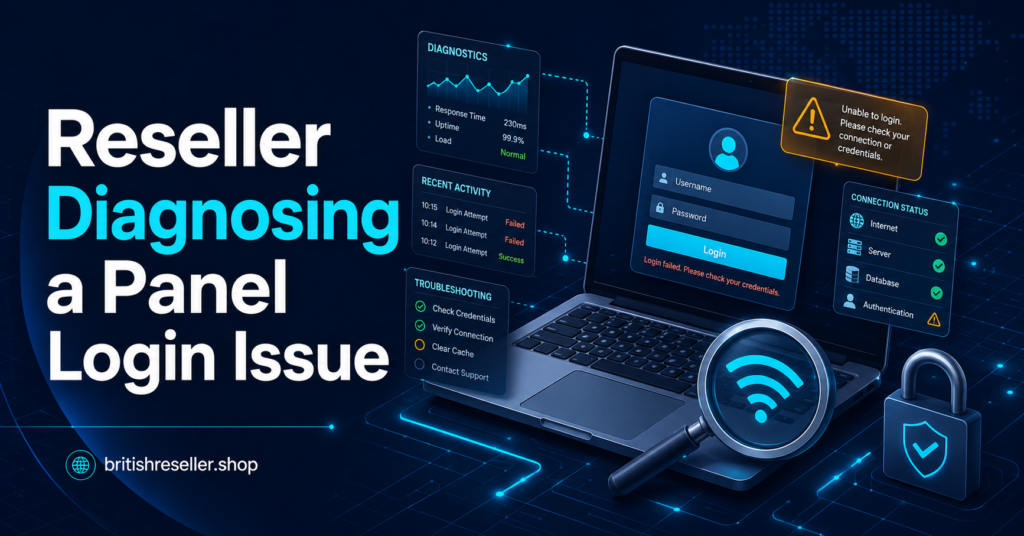
A vague message like “the panel isn’t working” tends to get a slow, generic reply. Support teams move faster when you give them something specific to act on: the exact error message, the time it started, whether it affects one device or several, and whether you’ve already tried an alternative network. Screenshots of the error, rather than a description of it, remove a lot of back-and-forth guessing.
It also helps to mention whether the issue is affecting your ability to serve customers, since most support queues will prioritise access faults that are actively stopping renewals or activations over general questions.
Check current panel terms and support expectations sets out what response times and support scope you should reasonably expect from a provider.
Preventing the Next Login Failure
A certain amount of downtime is unavoidable with any hosted dashboard, but several habits reduce how often it disrupts your business and how long it takes to resolve. Keeping your login details in a password manager rather than a chat thread avoids the single most common cause of “wrong password” errors. Noting down your supplier’s support contact and any status page in advance means you’re not searching for it mid-panic when access actually goes down.
It’s also worth testing your panel login from a second device or network occasionally, even when everything’s working normally, so you already know it’s a viable fallback the next time your usual setup fails.
Common Questions
Why does my IPTV reseller panel say my password is wrong when I know it’s correct?
This usually means either a copy-paste error introduced an extra space or character, the password was changed or reset without your knowledge, or the account has been temporarily locked after previous failed attempts.
Can a VPN cause reseller panel login failures?
Yes. Some panels apply fraud-prevention rules that flag logins from unexpected countries or from known VPN IP ranges, which can block access even with correct credentials.
How do I know if it’s a supplier outage rather than my own connection?
Check whether other resellers using the same panel are reporting the same problem around the same time. Widespread reports point to the supplier’s side; an isolated issue points to your device or network.
Should I keep resetting my password if the panel won’t load?
Not repeatedly. If the page itself is timing out rather than rejecting a password, the fault is more likely network-related, and repeated reset requests won’t fix a connection issue.
What should I do if I’m a sub-reseller and can’t log in?
Contact the parent reseller first, since sub-reseller access depends on permissions and credit standing controlled at that level rather than a direct account fault.
Is it normal for a reseller panel to have occasional downtime?
Some scheduled maintenance and occasional unplanned downtime is normal for any hosted dashboard. Persistent or unexplained outages are a fair reason to ask the supplier for clarity or reconsider the provider.
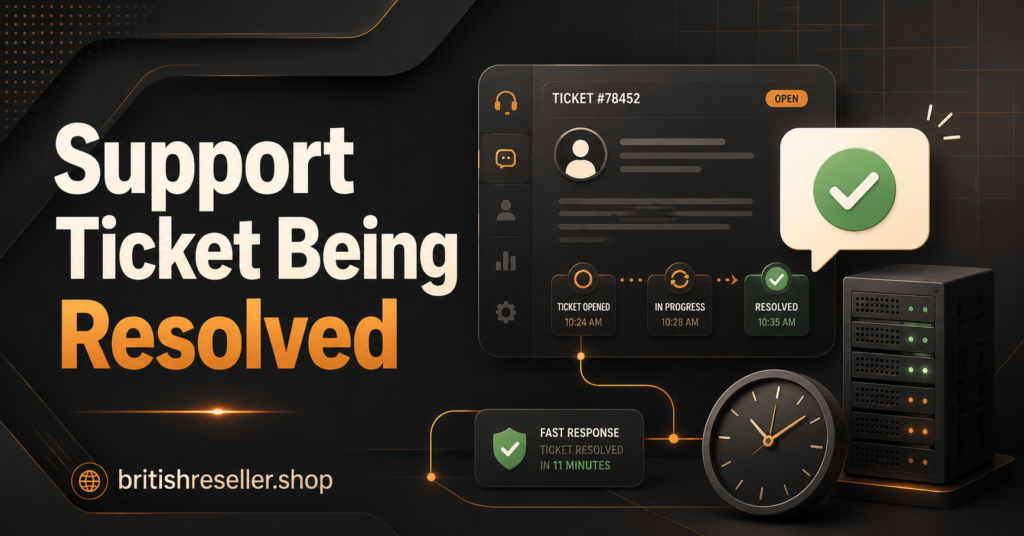
If your IPTV Reseller Panel Login Not Working situation hasn’t resolved after checking your credentials, switching networks and confirming whether other resellers are affected, the fault is very likely sitting with the supplier rather than anything on your device. Give it a short window before escalating, and when you do contact support, lead with specifics rather than a general complaint. Most login faults, whether caused by a typo, a network block or a genuine outage, resolve within minutes once the actual cause is identified rather than guessed at.
Panel Login Troubleshooting Checklist
- Retype your username and password manually rather than pasting
- Confirm caps lock is off and there are no trailing spaces
- Try a different network, such as mobile data
- Clear cookies or try an incognito browser window
- Disable VPNs and ad-blocking browser extensions temporarily
- Check whether other resellers are reporting the same fault
- If you’re a sub-reseller, contact your parent account first
- Note the exact error message and time before contacting support